> For the complete documentation index, see [llms.txt](https://athome-1.gitbook.io/athome-docs/llms.txt). Markdown versions of documentation pages are available by appending `.md` to page URLs; this page is available as [Markdown](https://athome-1.gitbook.io/athome-docs/tabs/notes.md).
# Notes
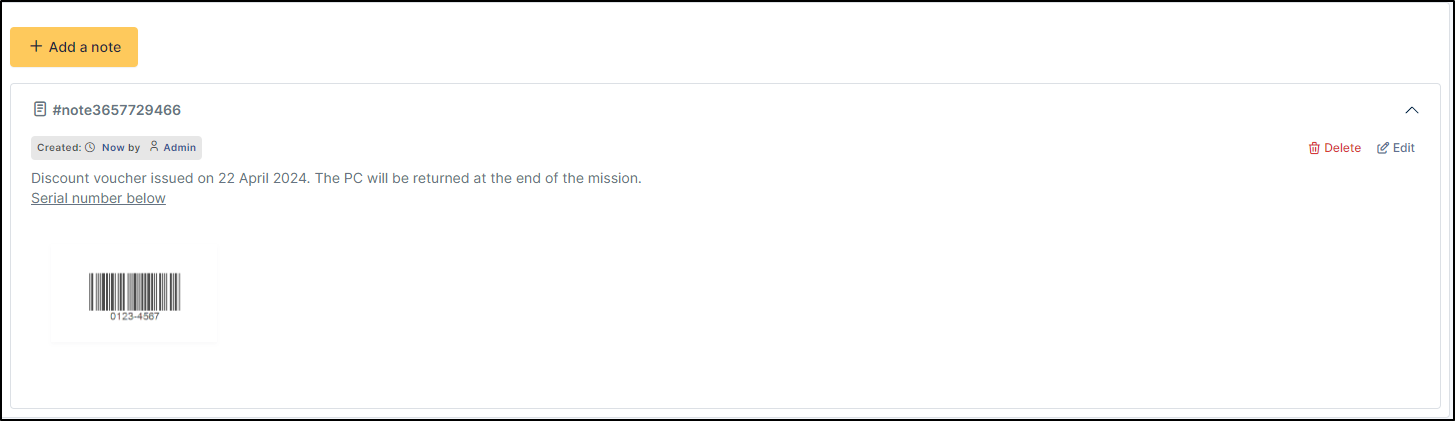
The *Notes* tab provides a free text field for storing additional information. Notes are displayed in the order of their creation. You can also add a document
Example of note
## Add a note
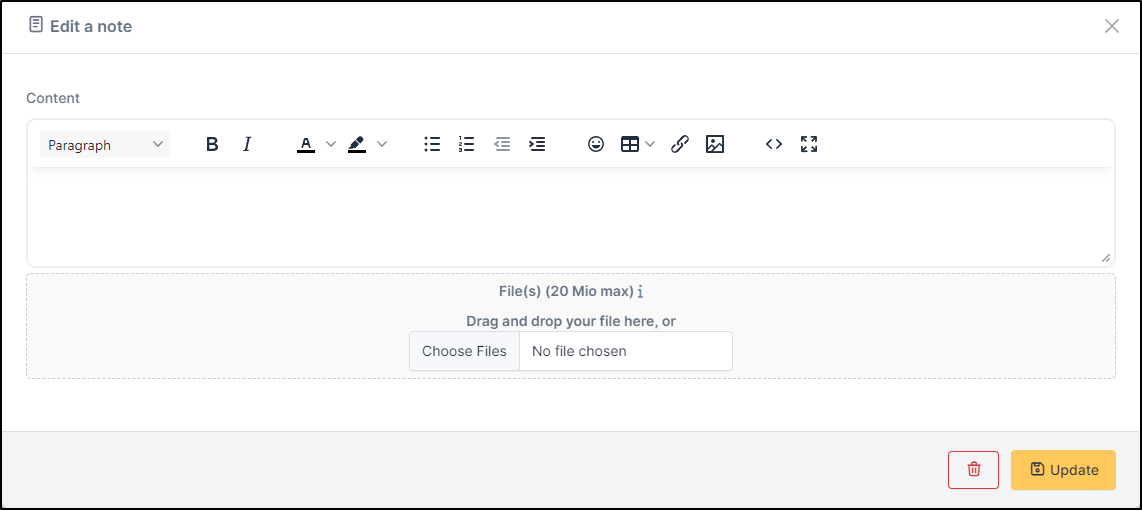
* To add a note, click on **+Add**
* You can add text and format it to suit your needs
* You can add a document to this note
Add your note
***
## Delete a note
* To delete a note, you need to click on **delete**
* You can delete only the attachment by clicking on delete (the option appears when you move your mouse over the attachment)
Delete the note
{% hint style="success" %}
When you delete an attachment, it is not completely deleted, you can find it in **`Management`** > **`Documents`**
{% endhint %}