> For the complete documentation index, see [llms.txt](https://athome-1.gitbook.io/athome-docs/llms.txt). Markdown versions of documentation pages are available by appending `.md` to page URLs; this page is available as [Markdown](https://athome-1.gitbook.io/athome-docs/setup/security.md).
# Security
This tab contains security settings regarding password policy, two-factor authentication, and active sessions.
***
## Password security policy
* Force passwords to comply with security policy
***
### Security policy configuration
The security policy is only enforced if this is enabled
* Password minimum length
* Password need digit
* Password need lowercase character
* Password need uppercase character
* Password need symbol
***
### Password expiration policy
The following options can be configured as part of the password security policy:
* Password expiration delay (in days)
* Password expiration notice time (in days)
* Delay before account deactivation (in days)
* Validity period of the password initialization token
* Prevent users from reusing previous passwords
***
## Two-factor authentication (2FA)
* 2FA Suffix : This will be added in the issuer name for authenticator app
* Enforce 2FA
View 2FA
***
## Sessions
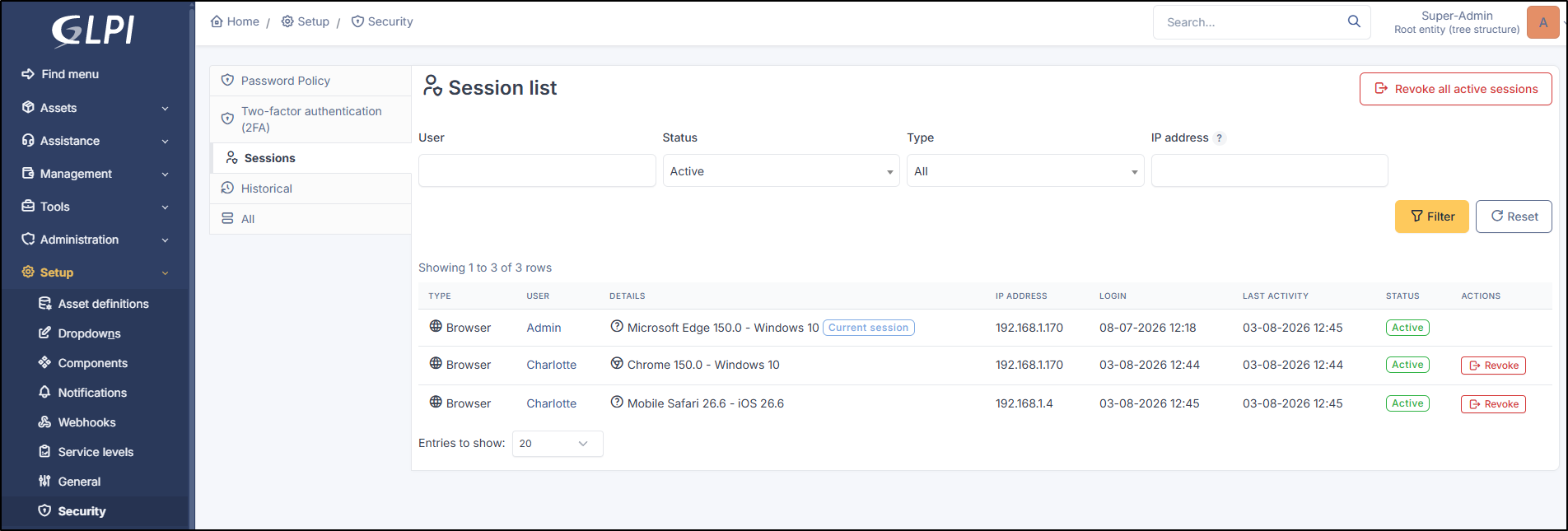
This tab lists all active user sessions and allows you to revoke them. Available informations:
* **Type**: type of connexion
* **User**: displays first and last name
* **Details**: browser version, OS type, etc.
* **IP address**
* **Login**: user login time
* **Last activity**: time of last detected activity
* **Status**: connection status
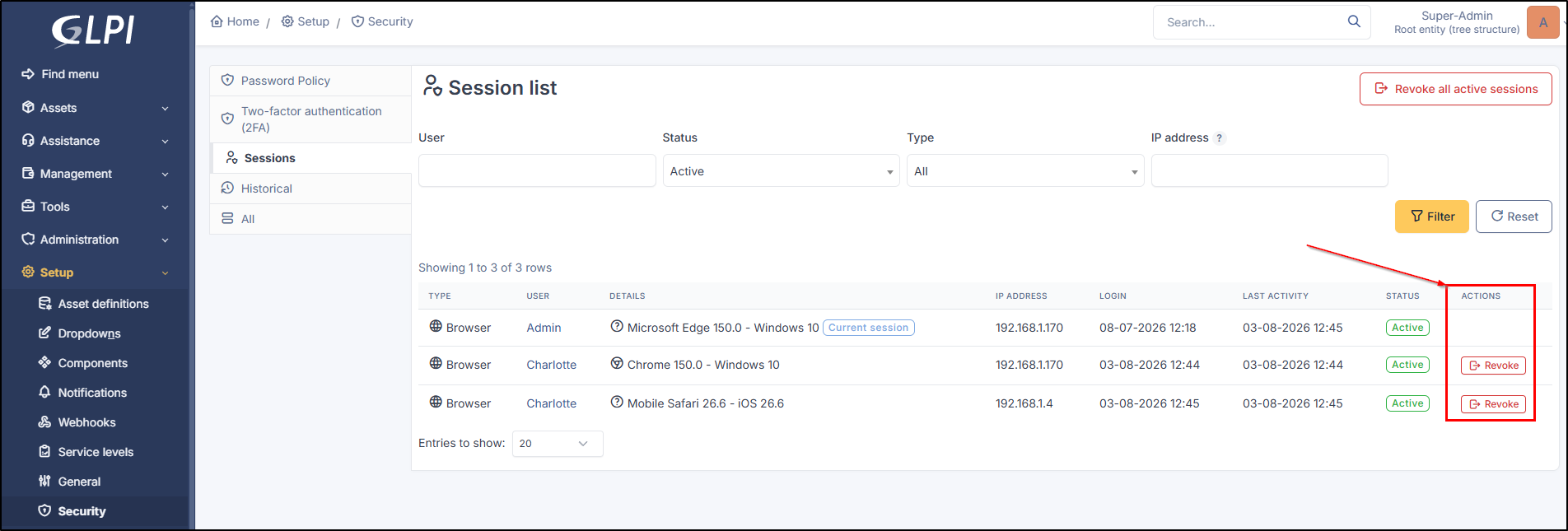
* **Actions**: revoke a session
Details of sessions
### Revoke a session
Revoking a session closes it. The user will need to log in again after this action.
Revok a session
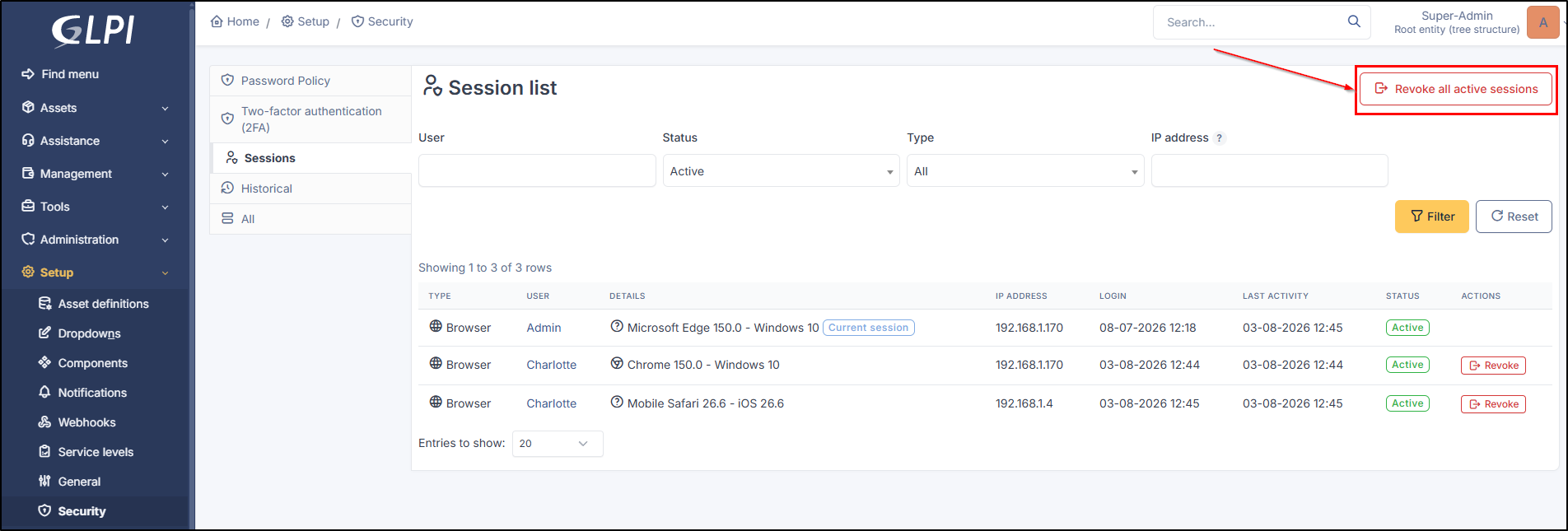
### Revoke all sessions
You can also revoke all active sessions