> For the complete documentation index, see [llms.txt](https://athome-1.gitbook.io/athome-docs/llms.txt). Markdown versions of documentation pages are available by appending `.md` to page URLs; this page is available as [Markdown](https://athome-1.gitbook.io/athome-docs/manage-my-preferences/manage-my-password.md).
# Manage my password
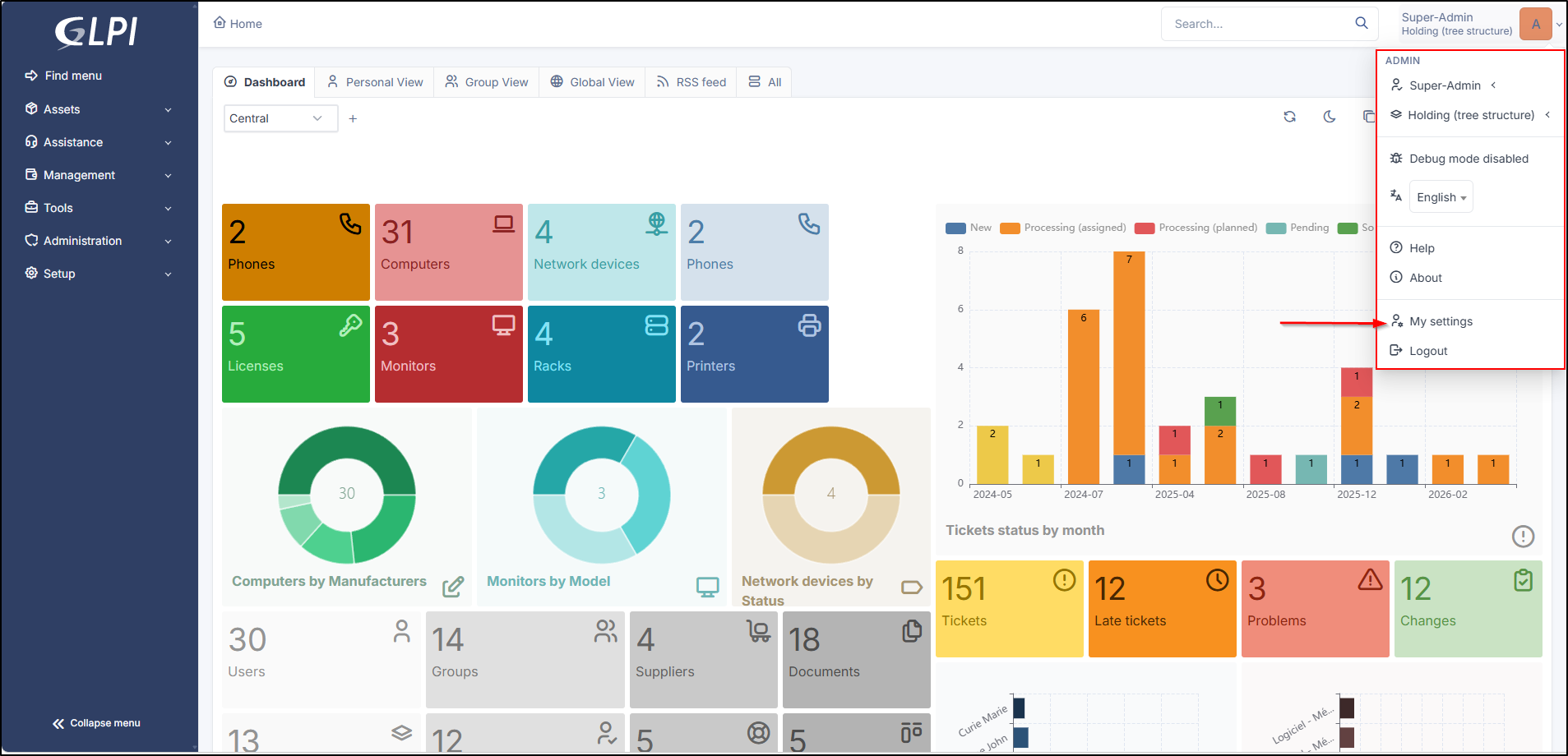
The password change form is located in the [user preferences](/athome-docs/readme-1-1/preferences.md).
User settings
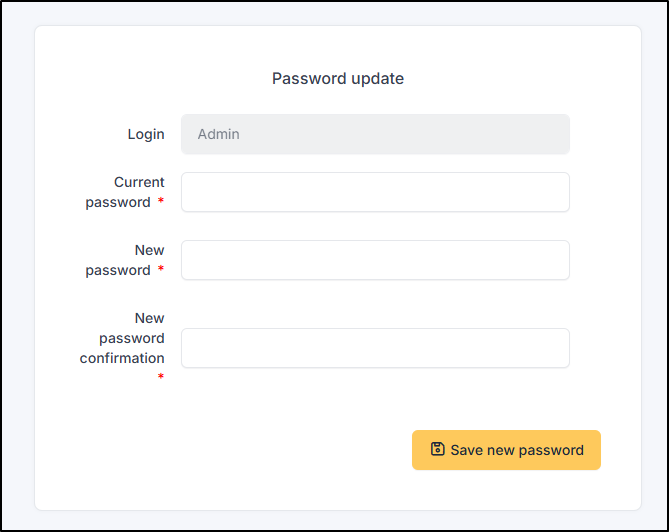
You must enter and confirm your password before validation. The administrator can disable this feature, in which case the password change area will not appear.
Change password
If the user has forgotten their password, they are offered the option to reset it from the login page. **The link is only present if notifications are enabled**.
Only users with an email address defined in GLPI and who do not authenticate via an external source (LDAP, mail server, etc.) can use this feature. Once the renewal request is made by entering their email address, the user receives an email providing a link to reset their password.
{% hint style="info" %}
If you are using an external authentication source (such as LDAP, SSO, etc.), please reset your password from your identity provider.
{% endhint %}
Passwords must comply with the defined security policy. A real-time check of the entered password is then performed.
See the [security configuration](/athome-docs/setup/security.md) tab.